

I recently had a problem where my ProBook wouldn’t charge. I tired different things i saw online but they all didn’t help with my issue. Most of the solutions online had a “plugged in, not charging message” however in my case , “plugged in”.
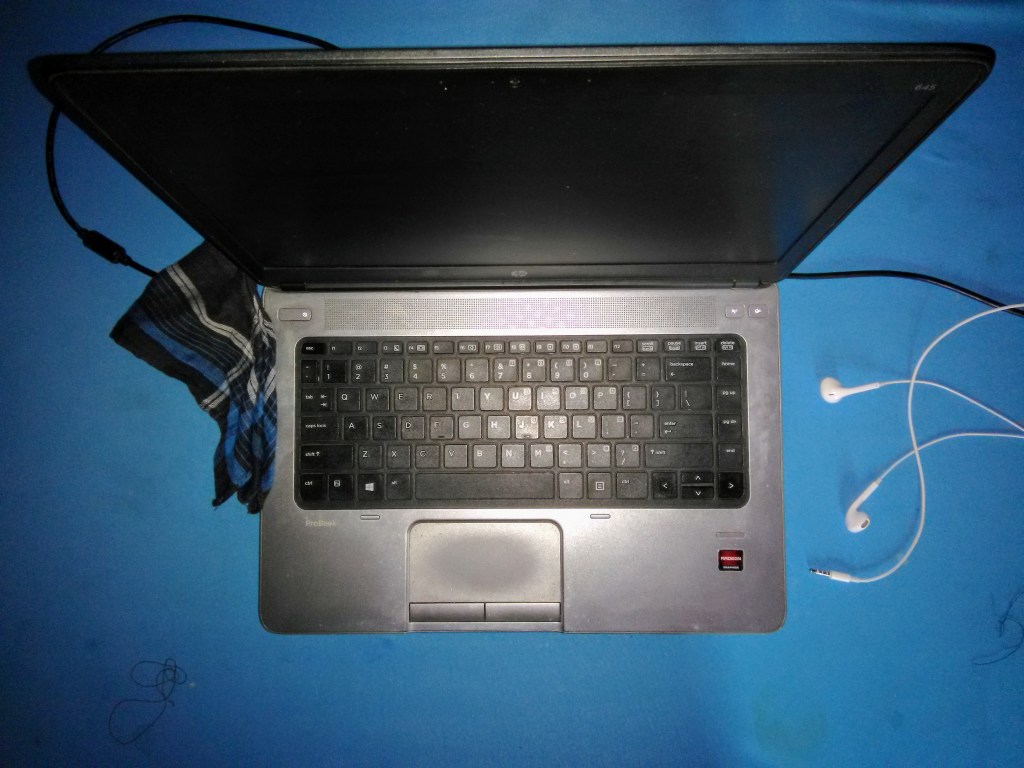
Uninstalling the battery drivers from the device manager, removing the battery from the laptop and holding down the power button for 15 seconds seemed to do the trick, “or so I thought”. However the laptop would only charge half way. i was convinced i had a faulty battery or perhaps it was the windows update the day before.
Removing the battery and plugging in the laptop would work so never did I suspect the charger and I almost purchased a new battery when one evening the laptop wouldn’t turn on when plugged in. Twisting the charger wire near the pin and turning on the laptop it worked and that was when I noticed that was the faulty area.
It wasn’t so obvious and removing the coating from the charging pin i was met by a poor solder joint. The pin was getting a bit hot and that didn’t help the poor solder joint.
If you had the same problem please make sure you don’t have a loose connection. in my case it was not easy to spot since the connection would rarely come loose when the battery is out. I think it was because the battery needed a lot of current while charging that led to the the connection getting hot and getting loose.
If you are faced with a similar problem i would advice you try “not purchase” a different charger and updating your battery drivers if there is nothing wrong with the battery or charger.
 Jkimtech